
Booking Tracker Spreadsheet
Track bookings, revenue, fees, occupancy, and expenses in one practical host spreadsheet — and actually understand your numbers.
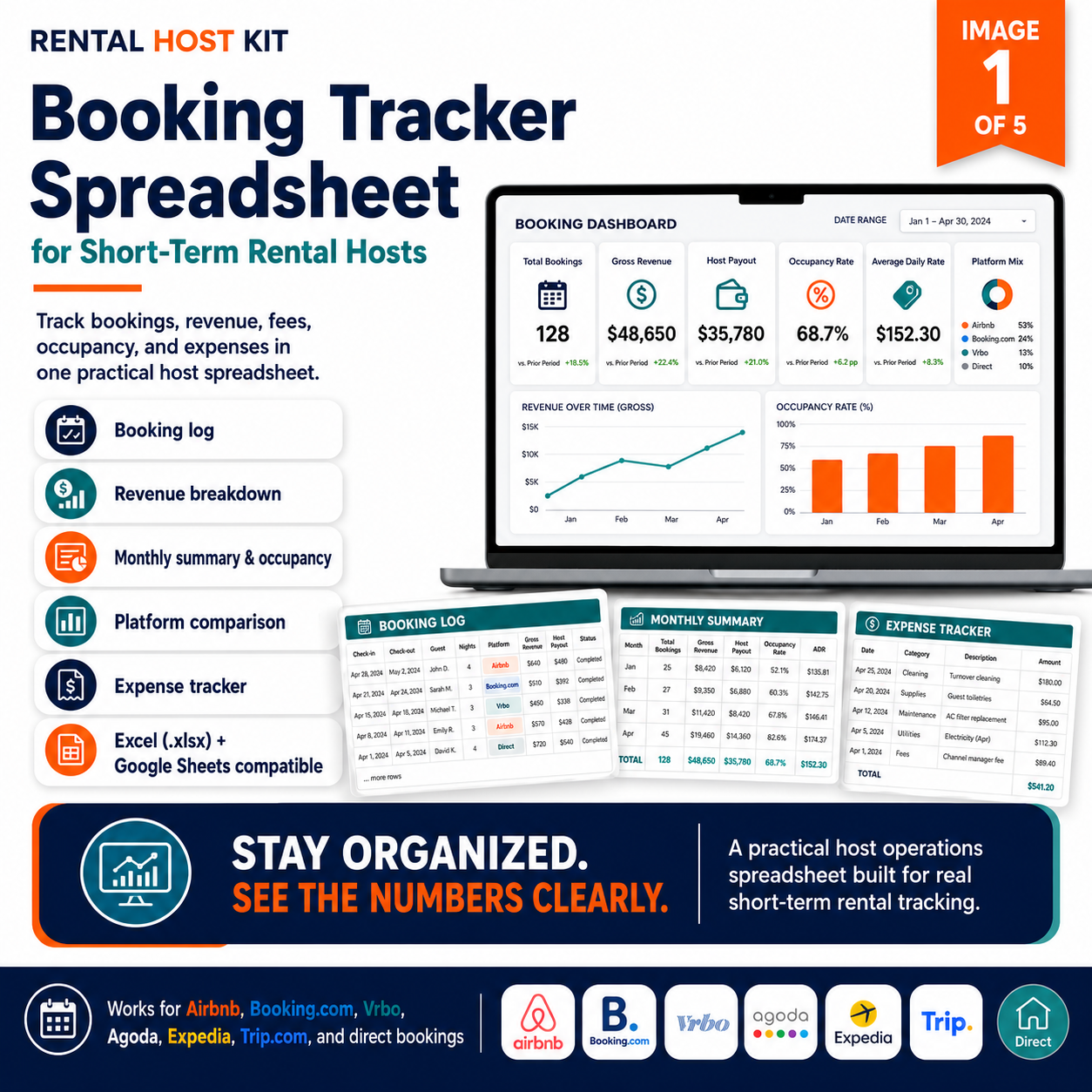
Booking log · Revenue tracking · Platform comparison · Expense tracker · XLSX file
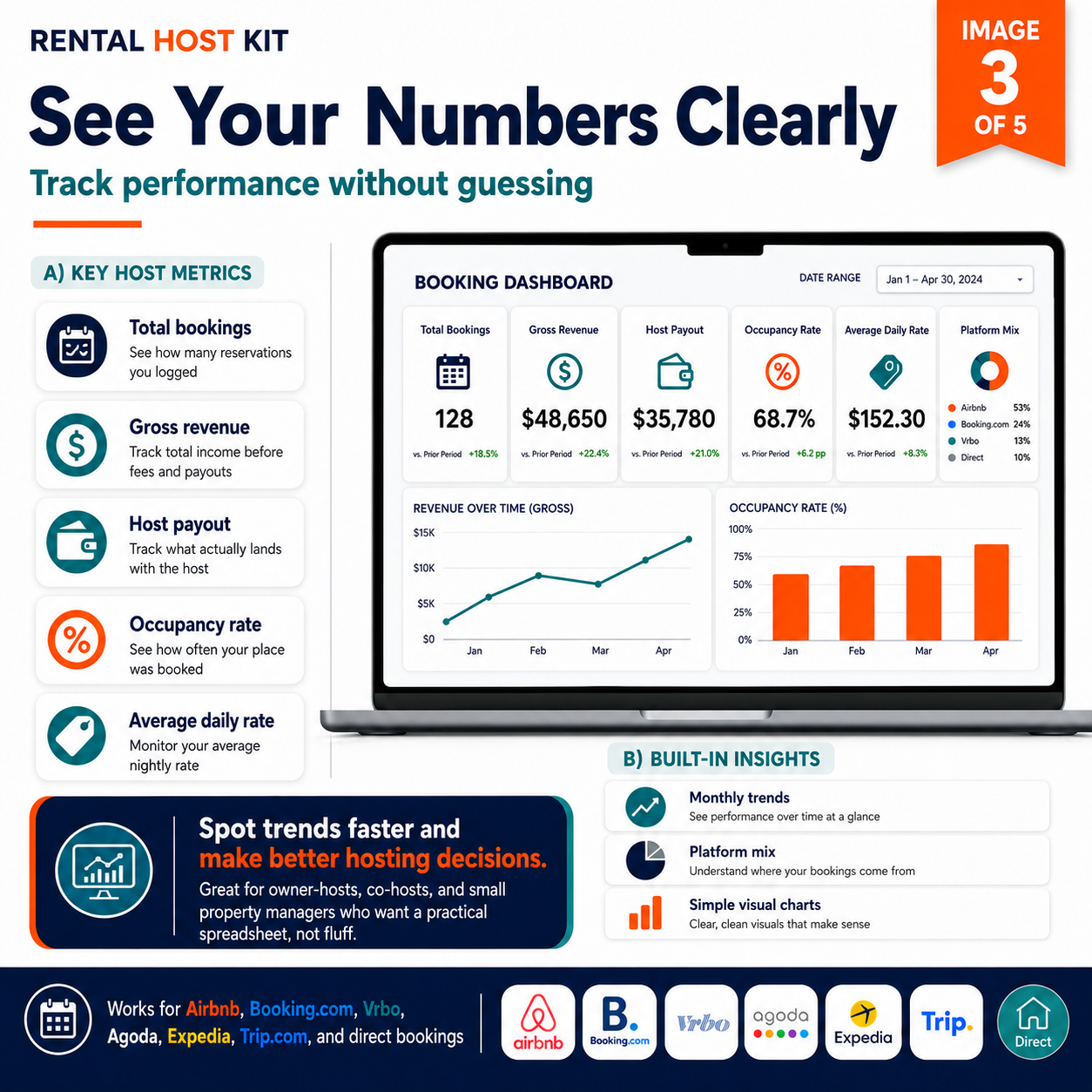
Most hosts don’t actually know how much they’re making after fees, cleaning, and expenses — because they’ve never had a clear place to track it.
The Booking Tracker Spreadsheet gives you a complete, beginner-friendly system to log every booking, calculate your real host payout, compare platform performance, and track expenses — all in one file. The formulas do the work. You just enter the data. Open it in Microsoft Excel or upload it to Google Sheets and start tracking from your very first booking.
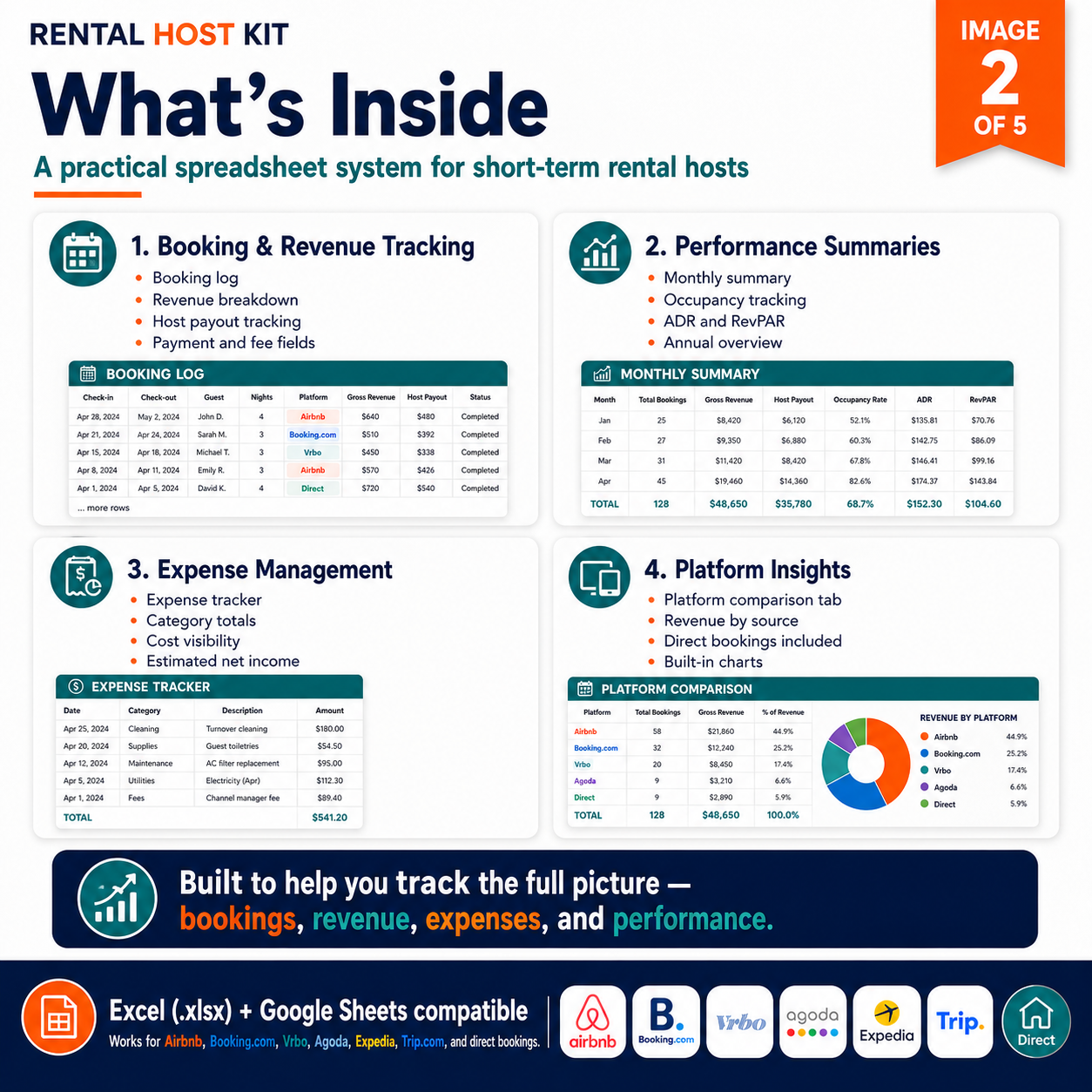
8 sheets. One complete tracking system.
Formulas calculate automatically — just enter your bookings and the tracker does the rest.
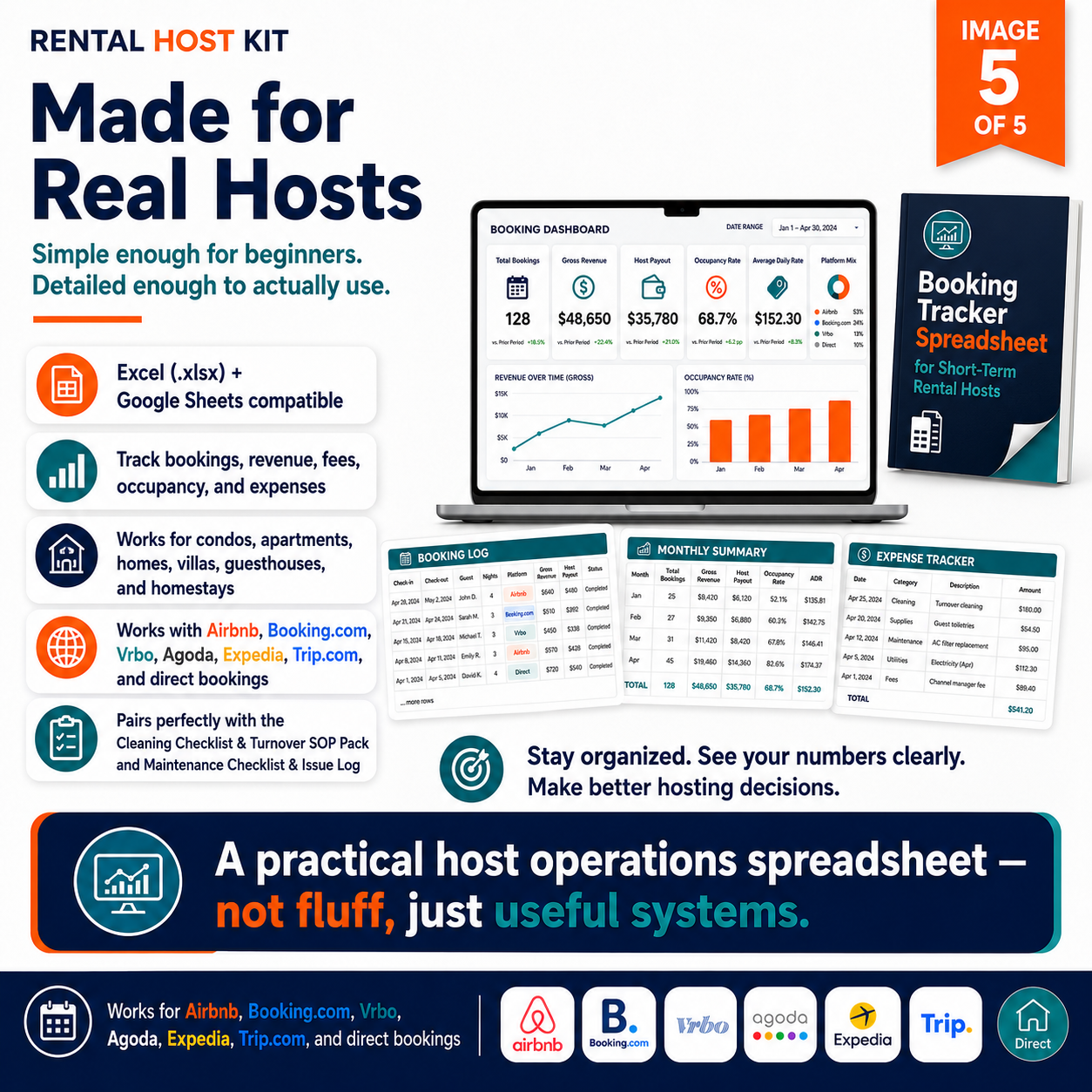
Booking log — platform, guest, dates, nights, gross revenue, cleaning fee, platform fees, processing fees, host payout, and ADR
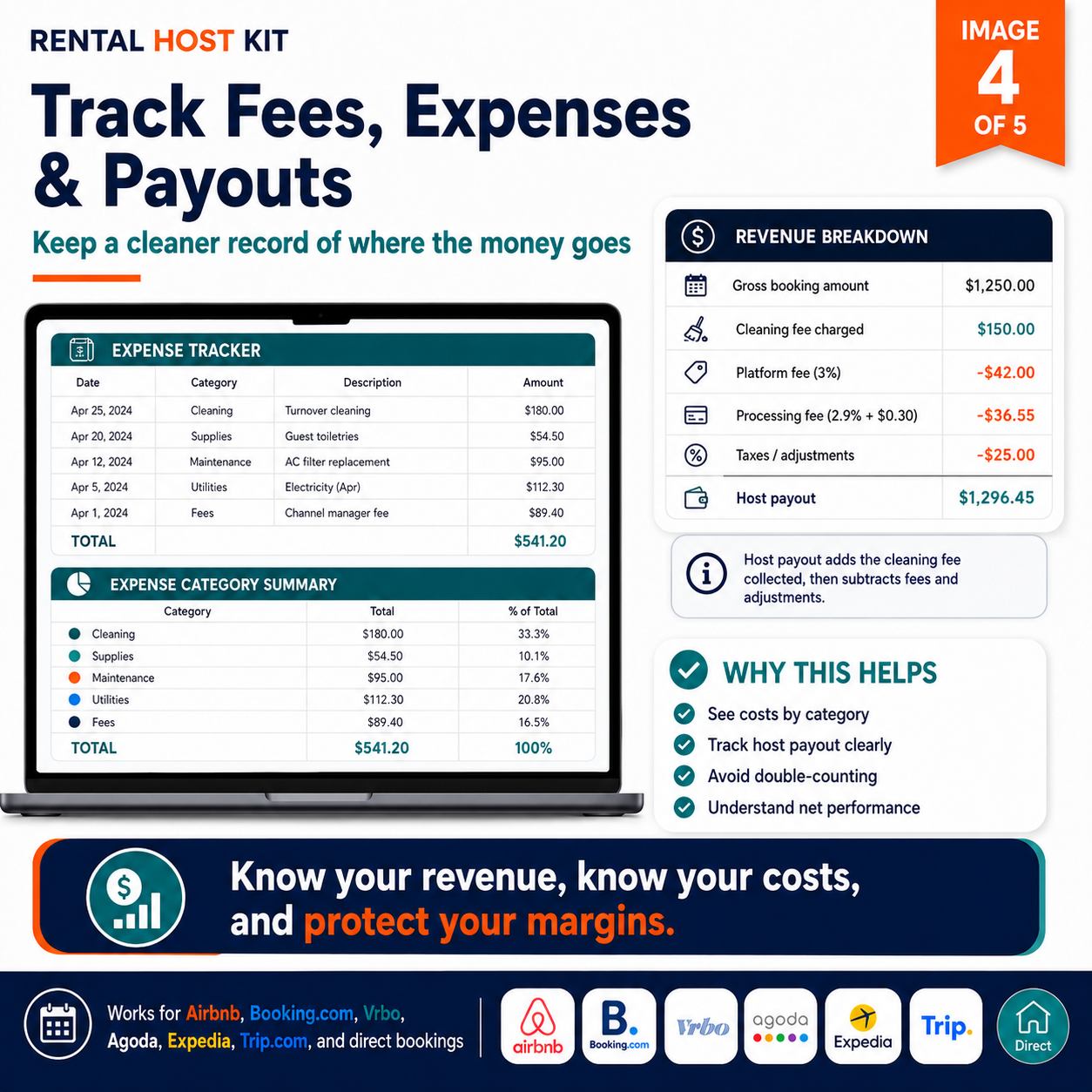
Auto-calculated host payout — adds cleaning fee, subtracts platform and processing fees, taxes, and adjustments automatically
Monthly summary — total bookings, occupancy rate, blocked nights, gross revenue, net revenue, expenses, and estimated net income
Platform comparison — revenue, fees, net payout, and fee rate broken down by Airbnb, Booking.com, Vrbo, Agoda, Expedia, Trip.com, and Direct
Annual overview — month-by-month performance with ADR (Average Daily Rate) and RevPAR (Revenue Per Available Night) tracking
Expense tracker — 13 expense categories with a built-in category summary showing total spending and percentage of total
Dashboard with annual KPIs — total bookings, gross revenue, host payout, occupancy rate, ADR, platform fees, and net income at a glance
Dropdown validation, sample rows, and a Start Here guide — beginner-friendly with instructions for every sheet
Works for Airbnb, Booking.com, Vrbo, Agoda, Expedia, Trip.com, and direct bookings — any currency, any property type
Compatible with Microsoft Excel and Google Sheets — editable .xlsx file included, no special software required
Built for hosts who want to know their real numbers
Works for any property type and any major booking platform
Hosts currently tracking bookings in notes, WhatsApp messages, or a basic spreadsheet that doesn’t calculate anything
Hosts who want to know their actual net income after platform fees, cleaning costs, and other expenses
Multi-platform hosts who want to compare which channel brings the most revenue and the lowest fees
Hosts who want to track occupancy rate and understand how efficiently their calendar is being filled
New hosts who want to start tracking properly from their very first booking
Co-hosts and small property managers who need organized records for multiple bookings and platforms
Booking Tracker Spreadsheet
Editable .xlsx · Works in Excel and Google Sheets · Instant download
Instant delivery · No subscription · Open in Excel or upload to Google Drive